woosh in.
Voice and chat for your group. Click a link and you're in.
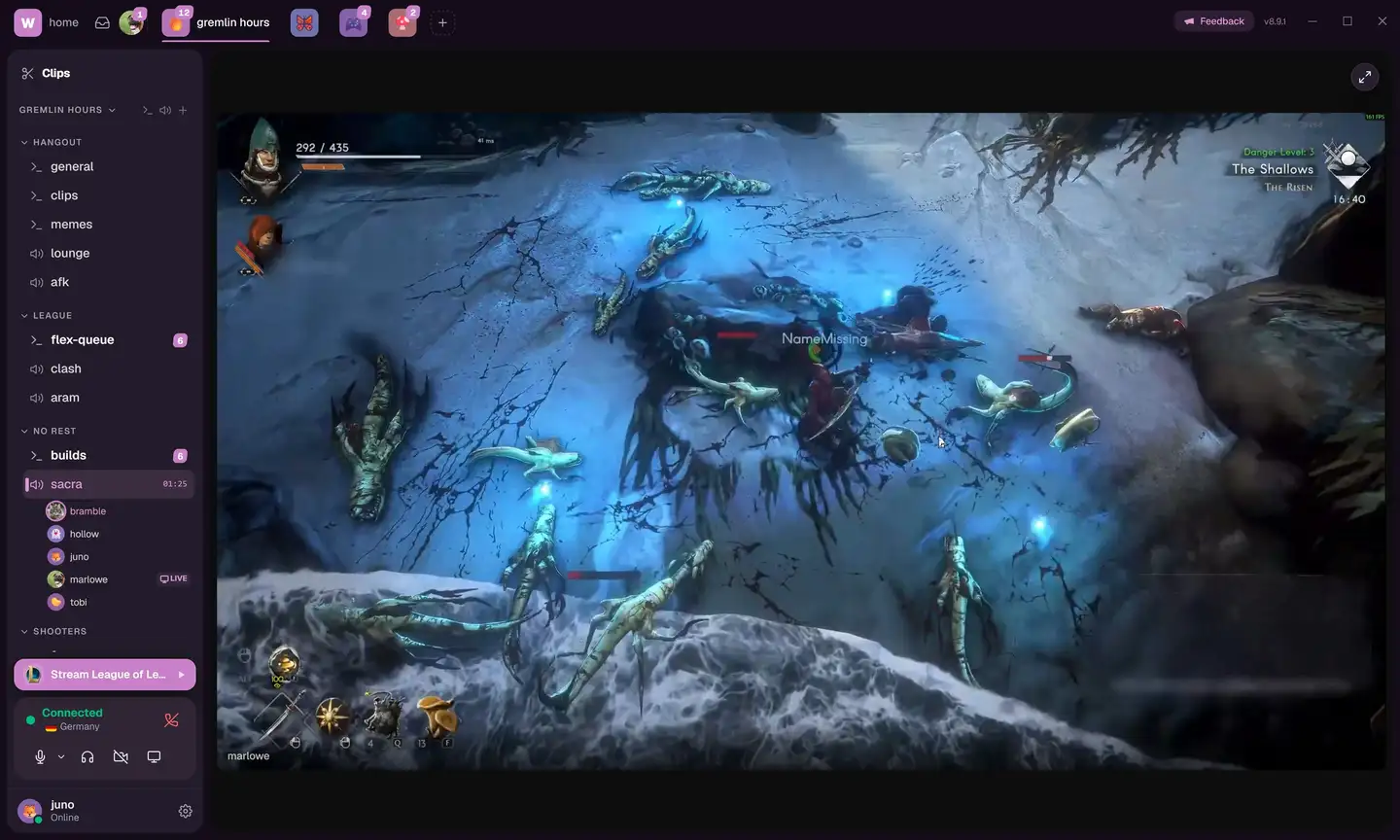
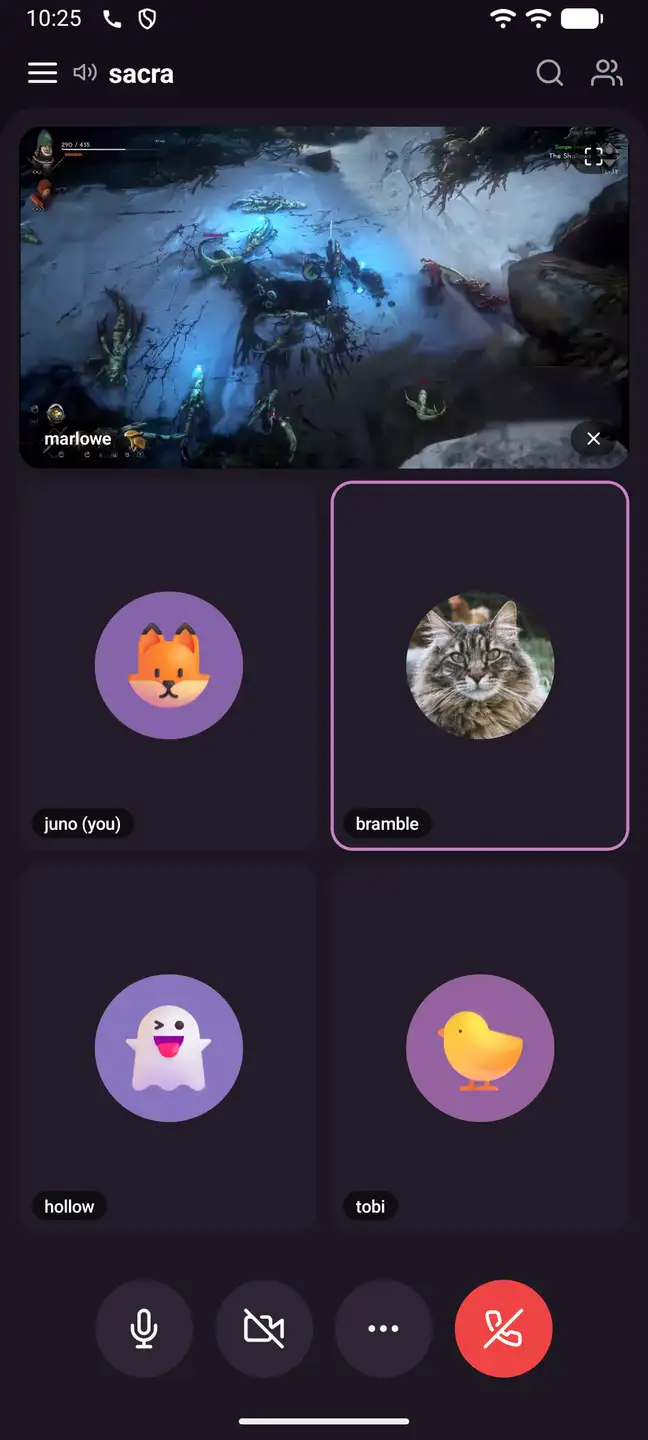
everything Woosh does.
The basics, done right.
what's in the room
Screen share at 1440p, 60fps
We wrote the capture stack ourselves.
Search that finds it
Search every message in a server or DM.
Files by the giga
Up to 5 GB per file, kept for 7 days.
Chat, with threads
Replies branch into a thread, out of the main channel.
worth keeping
Clip the last 30 seconds
It rides off your screen share, so nothing extra is recording. One key, 1080p60.
A clip is just a link
Trim it, name it, paste it anywhere. It embeds and plays outside Woosh, and nobody needs an account to watch.
getting in
Skip the signup
Click an invite, pick a name, you're in the room. The account can wait.
Bring your Discord over
Point the Woosh bot at a server and it rebuilds the channels, roles, and emojis.